Organizers: Avoid Late Sign Ups, Set Registration Deadlines 3–7 Days
Organizers: Avoid Late Sign Ups, Set Registration Deadlines 3–7 Days

Set the registration open and close dates in your event system right now, using the event’s own timezone. Pick a cutoff that matches your logistics: 3 to 7 days out for large, catering-heavy events, and 24 to 48 hours for small workshops or league sign-ups. The sections below walk through the exact settings to check, the timing rules that hold up in practice, and how Flex League Plus handles this for pickleball leagues specifically.
TL;DR:
- Setting registration deadlines in your event system should be done in the event’s local timezone and tested thoroughly with fake transactions before announcing.
- Large events require closing registration 3 to 7 days in advance to finalize logistics like catering and badge printing, while small events and virtual sessions can close 24 to 48 hours earlier.
- Common mistakes include leaving timezone settings on defaults, setting deadlines that overlap with event end, and not clearly communicating the exact cutoff time with timezone details.
- Flex League Plus supports per-division registration windows, waitlists, and payment collection, simplifying complex league setups and reducing support issues.
- Clearly posted reminders and precise messaging, including timezone, help ensure attendees see and respect registration deadlines.
Table of Contents
- How to Set Registration Deadlines: A Step-by-Step Checklist
- How Far Before an Event Should Registration Close?
- Getting Time Zones and Platform Settings Right
- Handling Late Sign-Ups, Waitlists, and Walk-Ins
- How to Communicate the Deadline So People Actually See It
- Flex League Plus Setup Tips From Robert
- The Mistakes That Keep Coming Up
- Let Flex League Plus Handle the Deadline Logistics
- Key Reference Links Used in This Guide
- Sources
- FAQ
How to Set Registration Deadlines: A Step-by-Step Checklist
Most platforms bury the deadline field in the same general spot. Vendor documentation, including Cvent’s own support guidance, points organizers to Event > Registration > Setup, where you edit the deadline field and save. The steps below apply whether you’re running a conference or a weekly pickleball league.
- Open your event settings and navigate to the registration or ticket type section.
- Enter the open date and time, then the close date and time, in the event’s local timezone.
- Save the settings and reload the page to confirm the values actually stuck.
- If your platform supports it, set separate windows for early-bird, general, and late-registration ticket types.
- Run a full test registration: check the confirmation email, the payment receipt, and the public-facing registration page.
- Keep an internal test account with a deadline set a day or two earlier than the public one, so staff can QA changes without touching live registration.
Average setup time for a typical 100-person event runs around 3.5 hours once you count testing. Don’t skip that step to save 20 minutes.
Pro Tip: Test your registration flow with a fake credit card or Stripe’s sandbox mode before you announce the deadline publicly. A broken payment link discovered by an actual attendee is far more expensive than the ten minutes it takes to catch it yourself.
How Far Before an Event Should Registration Close?
The right cutoff depends almost entirely on what your logistics require, not on a gut feeling about urgency. For large conferences, standard guidance calls for closing online registration 3 to 7 days before the event, giving staff enough runway to finalize catering counts, print badges, and lock in room assignments. Smaller events can push much closer to the wire.
- Large conferences (200+ attendees): Close 3 to 7 days out to lock catering, printing, and badge production.
- Small workshops or league sign-ups: 24 to 48 hours is usually enough, since there’s little to finalize beyond a roster.
- Minimal-logistics virtual sessions: Same-day registration often works fine since there’s no physical headcount to nail down.
Several factors push a cutoff earlier than an organizer might expect: catering orders that need firm numbers, security screening for badge lists, and speakers who need a rough headcount to plan session format. On the setup side, don’t wait until the week before to build your registration page. Median lead time for booking event activations runs about 28 days, and full planning cycles commonly stretch 8 to 12 weeks. Complex registration builds involving promo codes, multiple ticket types, and session logic can take teams up to 15 business days from request to delivery, even with rush requests factored in.
Getting Time Zones and Platform Settings Right
Registration deadline bugs almost always trace back to the same handful of settings. Get these four right and you eliminate most support tickets before they happen.
- Set the event timezone explicitly. Most platforms localize the display for each attendee while keeping the event’s internal deadline fixed to whatever timezone you entered at setup. If you leave that field on a default server timezone, attendees three time zones away see the wrong cutoff.
- Confirm registration close falls before the event actually ends. A close date set to the event’s last minute will let people register while the event is finishing.
- Understand minute-level behavior. A deadline of 5:00 PM typically means the system accepts entries through 5:00:59 PM, not a hard stop at the top of the hour. Say “closes at 5:00 PM Eastern” in your messaging, never a vague “end of day.”
- Check recurring-session rules. Many platforms apply the first session’s deadline to the entire series unless you override each occurrence individually.
Pro Tip: If your platform has a toggle labeled something like “allow registration until event start,” turn it off unless you genuinely want walk-ins to register through the final minute. That single setting is responsible for more accidental late signups than any other misconfiguration.
Handling Late Sign-Ups, Waitlists, and Walk-Ins
A hard deadline doesn’t mean you have to turn away demand that shows up late. It means you need a process for it.
- Build waitlist logic that automatically notifies the next person in line the moment a spot opens from a cancellation.
- Set up a limited on-site or walk-in lane with its own capacity cap and clearly posted pricing, separate from your main registration flow.
- Decide in advance whether paid late registration is allowed, and if so, communicate the fee, the seat limit, and the refund policy before anyone asks.
- When moving a waitlisted attendee into confirmed status, send an explicit notification. Don’t assume they’ll check a portal.
Waitlists exist specifically to capture demand after the cutoff without forcing you to reopen registration and undo the planning certainty the deadline gave you in the first place. For league organizers dealing with weekly churn, our guide to handling late registrations covers roster-specific workarounds.
How to Communicate the Deadline So People Actually See It
A deadline nobody notices is worse than no deadline at all, because it creates the illusion of flexibility right up until someone gets locked out. Put the cutoff in multiple places: the registration page itself, the event website, the confirmation email, and any promotional material tied to early-bird pricing.
- Send reminders at roughly seven days out, two days out, and again the morning of. A countdown timer on the registration page adds real urgency without extra copywriting.
- Always state the deadline with both a time and a timezone. “Closes Friday” invites confusion; “Closes Friday at 5:00 PM Eastern” does not.
- Segment your messaging: early-bird reminders should go only to people who haven’t yet locked in the discounted rate, not your entire list.
- If you’re collecting dietary or logistical details through a survey, send the main survey 2 to 4 weeks before the event and a short reminder pulse 24 to 48 hours prior to catch last-minute changes.
Pro Tip: Pair your final reminder email with the exact wording that will appear on the closed registration page. People who miss the deadline anyway will search for a way in, and consistent messaging keeps support requests short.
Flex League Plus Setup Tips From Robert
Running a pickleball league adds a wrinkle general event platforms don’t handle well: divisions. A men’s doubles bracket and a mixed doubles bracket often need different windows, different pricing, and different capacity limits, even when they’re part of the same season.
- Set per-division registration windows rather than one blanket deadline for the entire league.
- Test your Stripe payment flow with a real card before the public window opens, not after the first player complains.
- Validate that DUPR-linked entries are pulling the correct rating data before you lock divisions.
- Run any discount codes and installment plans through a full test transaction, since a broken code discovered on day one of registration is a bad first impression.
- Reserve a handful of buffer seats per division for waitlist promotions and late corrections.
- Keep an internal freeze date a day or two ahead of the public deadline so staff can fix roster errors without racing the clock.
For a full walkthrough specific to league setup, see our step-by-step registration guide.
The Mistakes That Keep Coming Up

The same handful of errors show up in nearly every deadline complaint: a timezone left on the server default, a per-ticket window that doesn’t match the main event window, deadline copy that never states a time zone, and a promo code edited an hour before close without anyone testing it. None of these are exotic problems.
The fix is boring and it works: run a pre-launch test with a fake registration, keep an internal deadline set earlier than the public one, and build a waitlist and a capped walk-in lane before you need them, not after someone’s already upset in your inbox. Organizers who treat the deadline as a system to configure, rather than a date to announce, avoid almost all of this. Check the Flex League Plus blog for applied setup walkthroughs when you’re building your next season.
— Robert
Let Flex League Plus Handle the Deadline Logistics
The platform replaces the spreadsheet-and-email approach most league organizers start with, letting you set per-division registration windows, collect payments directly, and include rating data into every entry, all without a monthly subscription fee.
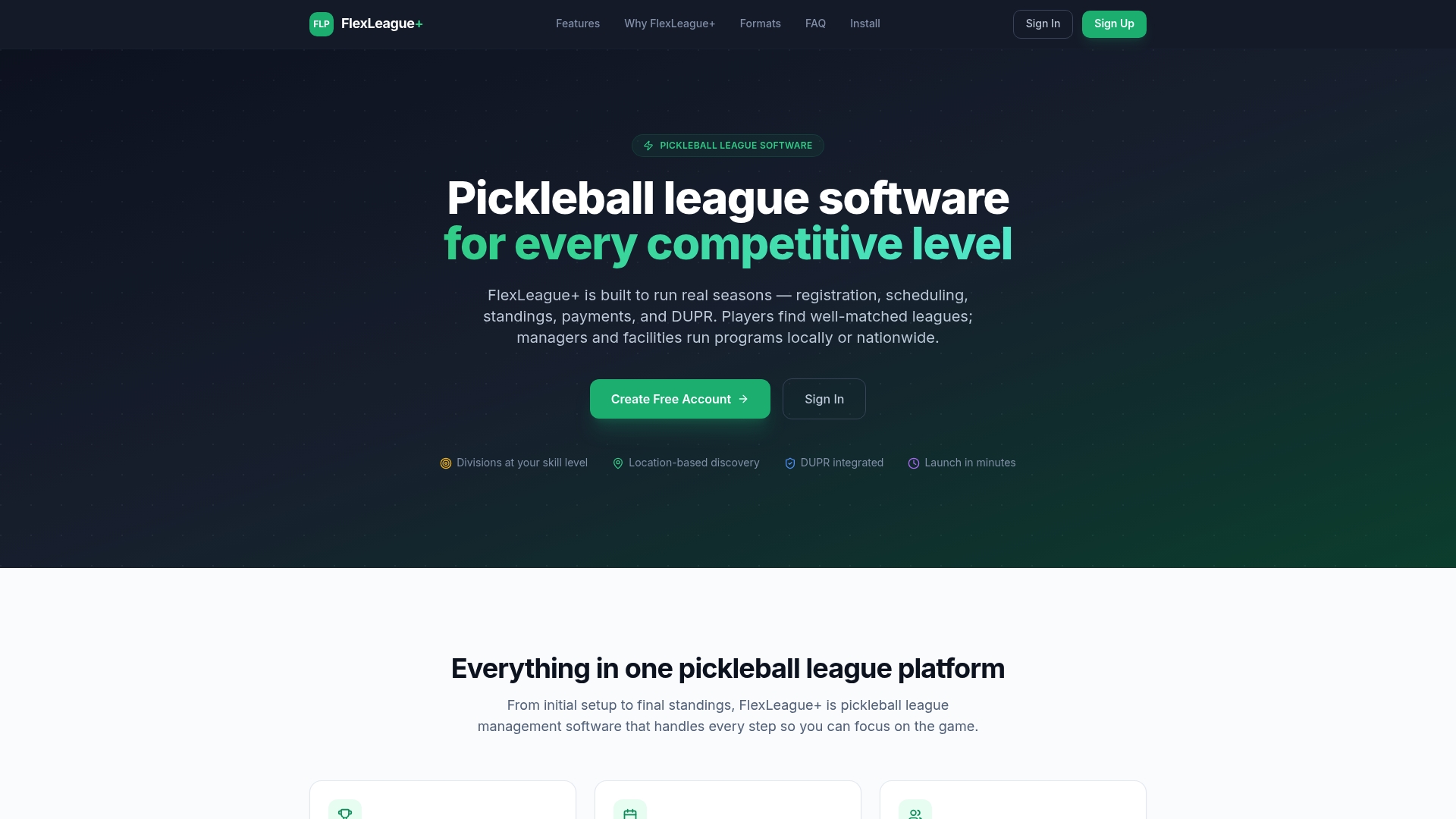
The platform includes waitlist support that automatically notifies players when a spot opens, plus a testing mode so you can run a full mock registration before opening it to the public. Setup covers the same checklist Robert walks through above: division windows, payment testing, and discount code validation, but built directly into the tool instead of stitched together across four apps. Organizers running paid seasons pay a flat $25 platform fee per division rather than a recurring subscription. If you’re managing city league payments alongside registration, our payment setup guide covers the Stripe side in detail. Check the pricing page or browse the full feature set to see whether it fits your next season.
Key Reference Links Used in This Guide

For deeper reading on the timing and process decisions covered above, Swoogo’s breakdown of registration cutoff timing, Bizzabo’s registration process guide, and Event Technology’s piece on optimal cutoff windows all informed the recommendations here. For registration management tactics from a different angle, BookIt’s registration management archive is worth a look. Always check your specific platform’s help center for exact navigation steps, since menu labels shift between vendors.
Sources
- Determining optimal online registration cut-off times for events | Event Technology
- Streamline event planning with set registration periods | Microsoft Learn
FAQ
What is a registration closing date?
A registration closing date is the exact point when your event system stops accepting new sign-ups, set to a specific date, time, and timezone. It’s what protects your headcount for catering, printing, and capacity planning against last-minute changes.
What is a registration date, exactly?
A registration date refers to either the open date (when sign-ups start) or the close date (when they stop), and confusion between the two is a common source of setup errors. Always confirm your platform is asking for the field you think it’s asking for before you save.
How do I change a registration deadline once it’s already set?
Most platforms, including Cvent, let you edit the deadline under the event’s registration setup area and resave it, though changes to a live event can affect anyone already mid-registration. In Flex League Plus, you can adjust per-division windows directly and rerun a test entry to confirm the new deadline saved correctly.
How do I register for a league or course through Flex League Plus?
Players find an open league or course through the organizer’s public link, select a division, and complete payment through the platform’s built-in Stripe checkout. Organizers control the open and close windows on the backend, so availability reflects whatever deadline the league manager has configured.
How far in advance should I close registration for a small event?
Small workshops and league sign-ups typically hold up fine closing registration 24 to 48 hours before the event starts, since there’s little logistics to finalize beyond a roster count. Virtual sessions with no physical materials can often stay open until the event begins.