What Are Play-by-Date Leagues in Pickleball?
What Are Play-by-Date Leagues in Pickleball?
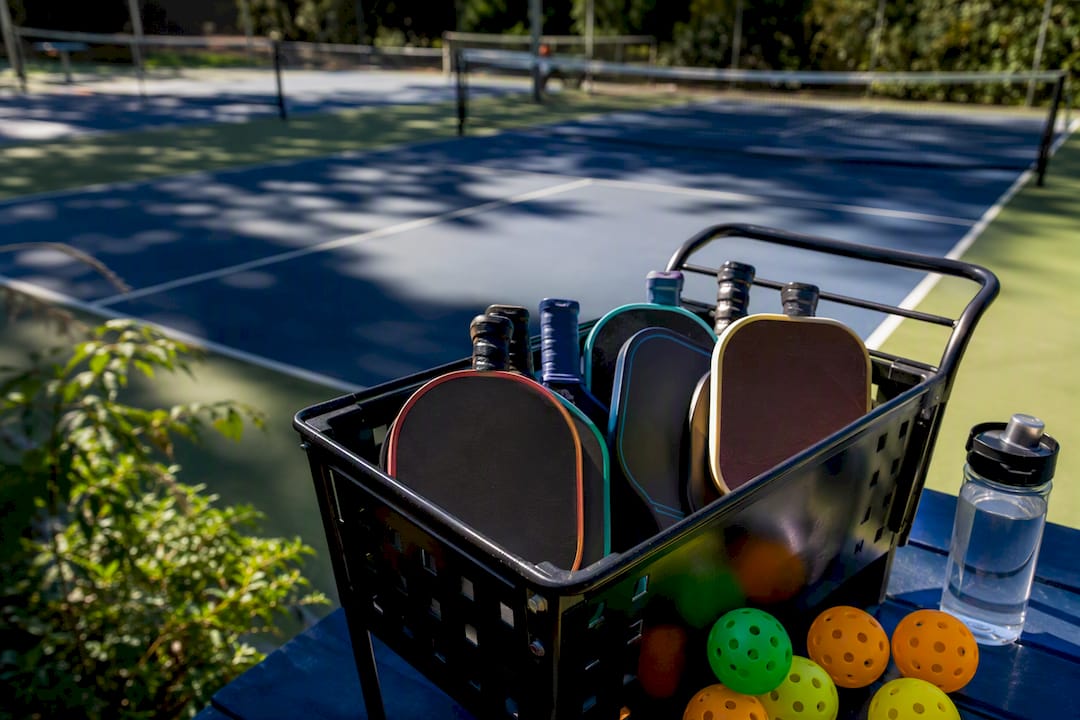
A play-by-date league, also called a flex league, gives you and your opponent a rolling window (commonly 14 days) to agree on a time and get your match played. Nobody assigns you a court time. You work it out between yourselves, report the score, and move to the next round. Seasons run short: typically 5 to 7 regular matches followed by a playoff bracket.
Before you dive into a season, know this:
- Your match window opens on a set date and closes on a “drop date” — miss it, and you risk a default or forfeit.
- You are responsible for contacting your opponent, not waiting for an organizer to schedule you.
- Publishing your blackout dates before the season starts saves you from scrambling later.
Key Takeaways
Play-by-date leagues succeed when the 14-day scheduling window is enforced consistently and players communicate within the first few days of each match posting.
| Point | Details |
|---|---|
| Know your window | Most flex leagues use a scheduling window roughly two weeks in length with a firm drop date at the end. |
| Season length is short | Expect 5 to 7 regular matches followed by a playoff bracket, not a full-year commitment. |
| Communicate fast | Message your opponent the day the match posts and offer 2 to 3 specific date options. |
| Publish blackout dates early | Listing unavailable dates before the season starts prevents last-minute scheduling conflicts. |
| Use enforcement software | FlexLeague+ automates match windows, DUPR reporting, and Stripe payments so deadlines don’t slip. |
Table of Contents
- How Play-by-Date Leagues Work Week to Week
- What to Expect: Deadlines, Courts, and Score Reporting
- How to Stay Off the Default List
- What Organizers Need From League Software
- Why I Think Flex Formats Are the Future of Recreational Play
- Run Your Own Play-by-Date League With FlexLeague+
- Frequently Asked Questions
- Sources
How Play-by-Date Leagues Work Week to Week
Flex leagues don’t run on a single fixed schedule the way a Tuesday night ladder does. Instead, each round opens a new match window, and multiple windows often overlap so you’re never staring at just one deadline in isolation.
Here’s the typical rhythm across a season:
- Match posts. The league platform releases your next opponent and opens a scheduling window, usually 14 days.
- Negotiation begins. You send a proposed date and time; your opponent counters or accepts. Most systems cap this back and forth at a handful of rounds so nobody drags it out for a week arguing over Tuesday versus Thursday.
- Agreement or fallback. If you land on a date, you book the court and play. If not, the league steps in, often scheduling the match after other divisional games are already set.
- Default check. Miss the window entirely, and most leagues apply a default, often the last day of that window, or record a forfeit under the league’s drop rules.
- Repeat. A new window opens for your next match, sometimes before the previous one closes, so two negotiations can be running at once.
A season built this way usually stacks 5 to 7 regular season matches, then funnels the top finishers into a playoff bracket. That format is common enough that most flex league platforms, including those built for tennis and pickleball, use nearly identical numbers.
What to Expect: Deadlines, Courts, and Score Reporting
The window length is the backbone of the whole format. Fourteen days shows up again and again across flex league structures because it’s long enough to survive one canceled plan and short enough to keep a season from stalling out for months.
Here’s what typically governs the logistics:
- Drop date: the final day of your window. After that, a default or forfeit usually applies.
- Court reservations: almost always the players’ job, not the organizer’s. Whoever locks in the date books the court.
- Score reporting: most leagues want scores submitted within 24 to 48 hours of play, with standings updating shortly after.
- Escalation rules: some organizers force a scheduled time after negotiation rounds expire; others simply record a forfeit and move on.
Quick fact: Flex formats are built specifically for players who want competitive league play without a fixed weekly time slot, but that flexibility comes with a hard deadline attached. The freedom is real. So is the clock.
Rules vary by organizer, so read your league’s handbook once at the start of the season rather than guessing mid-window. A manager’s handbook usually spells out exactly which default policy applies.
How to Stay Off the Default List
The single biggest reason players end up with a forfeit isn’t skill or scheduling conflicts. It’s slow replies. A player who takes three days to answer a text has burned nearly a quarter of a 14-day window before either side has proposed a real date.
Do these things and you’ll rarely see a default next to your name:
- Message your opponent the day your match posts, not the day before it’s due.
- Offer 2 or 3 specific date and time options up front instead of asking “when are you free?”
- Publish your blackout dates before the season starts; teams that list 10 to 13 unavailable weekend dates at the outset almost never get stuck negotiating around a conflict nobody knew about.
- Confirm the court booking yourself once a date is set. Don’t assume open play courts will be sitting empty when you show up.
- Follow up again as the window closes, even if you think everything is settled.
Pro Tip: Treat your match like a booked appointment, not a casual “we’ll figure it out.” Confirm the court and the time with your opponent 48 hours before you’re scheduled to play, the same way you’d confirm a dinner reservation.
A ready-made scheduling message template removes the awkward “how do I word this” hesitation that slows a lot of first-time flex players down.
What Organizers Need From League Software
Running a flex league by spreadsheet and group text works for about four teams. Past that, the admin load becomes a second job. Organizers need software that automates the parts players shouldn’t have to think about.
The features that matter most:
- Automated match windows that open and close on schedule without a human tracking a calendar.
- Built-in messaging so players negotiate dates inside the platform instead of losing texts in a group chat.
- Score reporting tied directly to live standings and playoff seeding.
- Payment processing for registration fees, so nobody’s chasing Venmo requests.
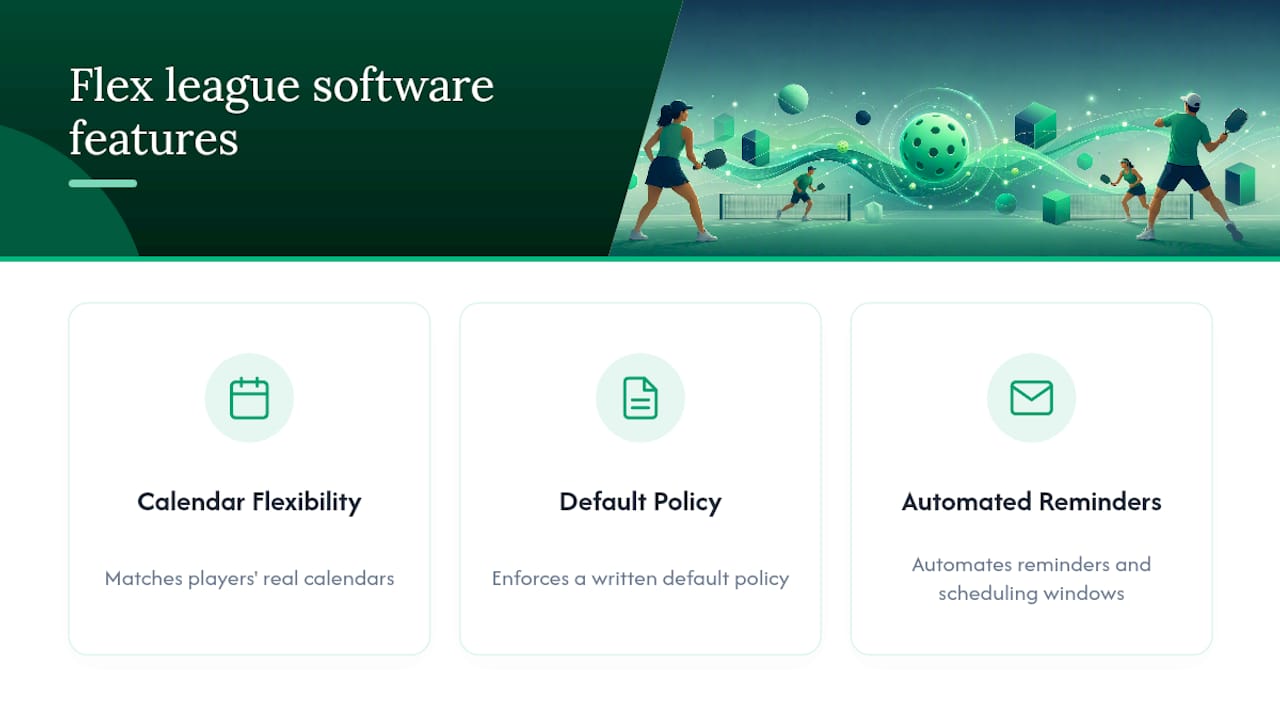
- Calendar sync and automated reminders, which is where scheduling technology genuinely earns its keep by shifting reminder duties from a volunteer organizer to the software itself.
FlexLeague+ builds these directly into its league templates, with DUPR integration and Stripe-powered payment collection baked in rather than bolted on.
A platform that enforces the window automatically, sends the reminder before you have to ask, and reports the score to your DUPR profile the moment the match ends removes almost every reason a flex league falls apart mid season.
Why I Think Flex Formats Are the Future of Recreational Play
Flex leagues work because they meet players where their calendars actually are, not where a rigid Tuesday night slot assumes they’ll be. The format’s real vulnerability isn’t the concept, it’s organizers who launch a season without a clear default policy written down. I’ve watched leagues stall out for exactly that reason. Pick a platform, whether that’s an app like Athlo for general team coordination or a pickleball-specific tool, that enforces windows and automates reminders. That single choice prevents most of the headaches before they start.
Run Your Own Play-by-Date League With FlexLeague+
Running a flex season by hand means chasing every default, every court booking, and every late score report yourself. FlexLeague+ replaces that with automated 14-day scheduling windows, built-in DUPR integration, and Stripe payment collection for registration fees, so you spend your time playing instead of managing spreadsheets.
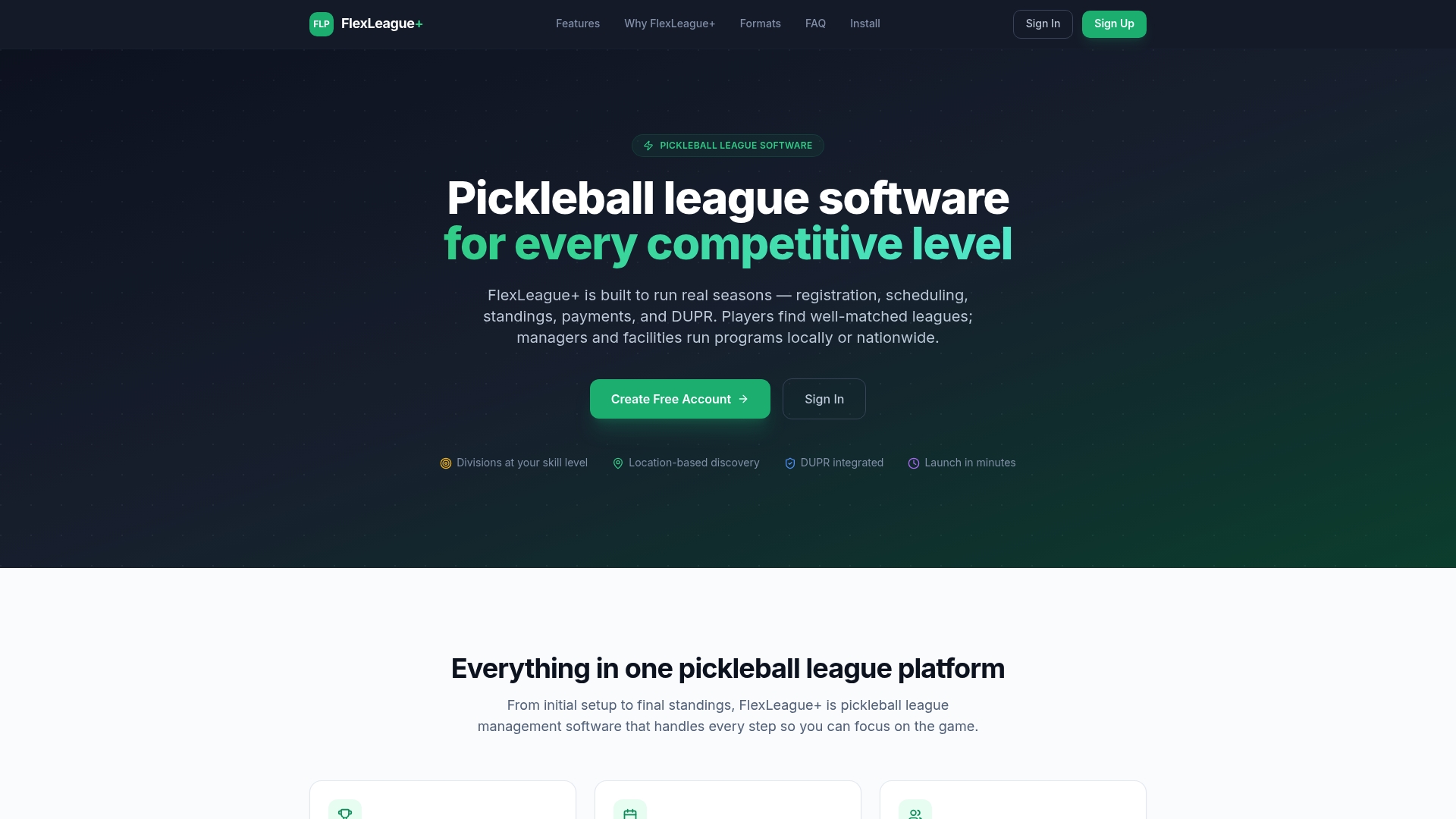
The platform includes ready-made league templates for singles, doubles, mixed, and FLP team formats, so you’re not building your rulebook from scratch. If you organize leagues at a facility or through your local parks program, FlexLeague+ sets up your scheduling windows, drop dates, and playoff bracket automatically. Check the feature breakdown and get your next season running before your current spreadsheet gives out.
Frequently Asked Questions
What happens if my opponent and I can’t agree on a date? Most leagues apply a default at the end of the window, often on the final day, or record a forfeit under the league’s specific drop rules. Policies vary by organizer, so check your league’s handbook before the season starts.
How long is a typical scheduling window in a flex league? A scheduling window of about two weeks is the most common length, though some organizers shorten or extend it depending on season length and court availability.
Who books the court for a self-scheduled match? Whichever player agrees to the date is generally expected to reserve the court. Confirming the booking as soon as a time is set avoids last-minute scrambling.
How many matches does a play-by-date pickleball season usually include? Most flex seasons run 5 to 7 regular season matches, followed by a playoff bracket for qualifying teams.
Do I need special software to run a play-by-date league as an organizer? You can run a small season manually, but automated scheduling, reminders, and score reporting become necessary once you’re managing more than a handful of teams. Platforms like FlexLeague+ handle window enforcement, DUPR integration, and payment processing in one place.
Sources
- How do flex leagues work? — Ultimate Tennis / Universal Tennis Support
- USTA Colorado — Adult flex league overview
- JOIN Pickleball — How do flex leagues work?