Running an Indoor Outdoor Pickleball League Without the Chaos
Running an Indoor Outdoor Pickleball League Without the Chaos
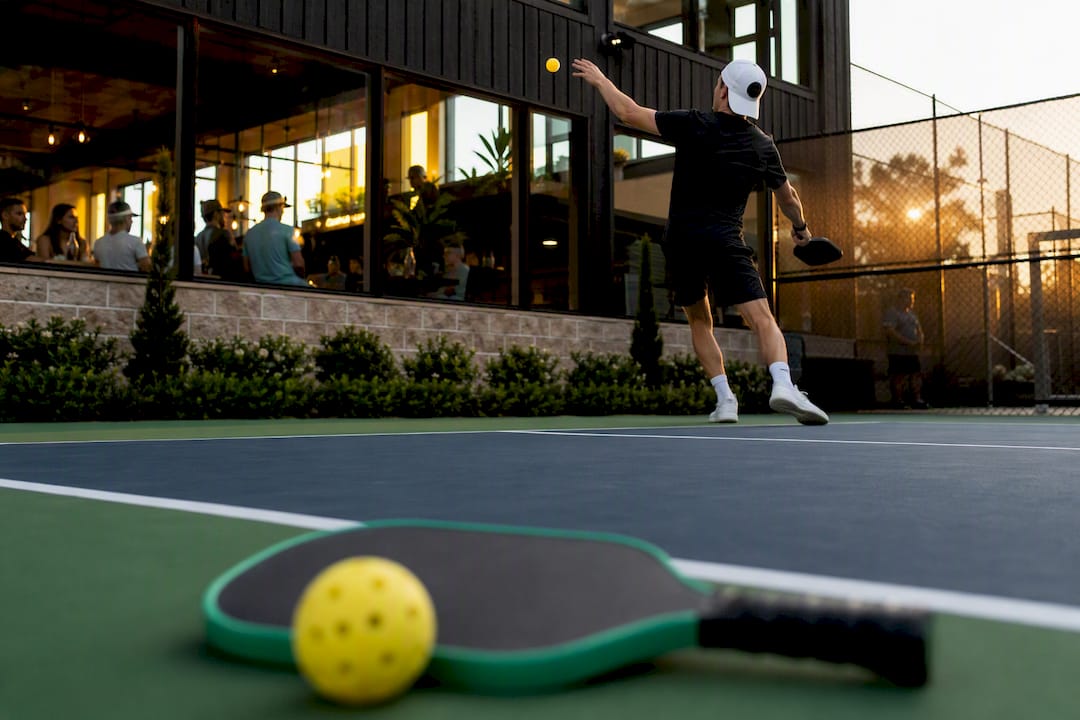
Run your paid indoor and outdoor seasons on dedicated league-management software built for DUPR ratings, Stripe payments, automated scheduling, and mobile score reporting — not spreadsheets and group texts. Flex League Plus is built specifically for this job. Close registration well ahead of the season start so the platform has time to auto-generate balanced divisions and a full schedule before your first match.
TL;DR:
- Use a league platform that integrates DUPR ratings to auto-seed players and prevent early blowouts that discourage return players.
- Finalize registration at least one week before the season to allow time for roster finalization, auto-scheduling, and schedule publishing.
- Set registration requirements early, including DUPR IDs, and build clear refund and no-show policies directly into the checkout process for smooth operations.
- Choose scheduling engines that detect conflicts, allow mid-season re-optimization, and send timely notifications to players about updates and changes.
- Price the season between $60 and $150 per player, covering facility, equipment, staff, and platform fees, with transparent breakdowns at checkout.
Table of Contents
- What Features Should an Indoor Outdoor Pickleball League Platform Have?
- How Do Indoor and Outdoor League Logistics Actually Differ?
- When Should You Close Registration and Lock Divisions?
- How Does the Scheduling Engine Actually Build Your Season?
- What Should You Charge for a Season, and Why?
- Your 6-Week Launch Checklist
- What Do Most Organizers Get Wrong in Their First Season?
- Get Your Season Running on Flex League Plus
- Sources
What Features Should an Indoor Outdoor Pickleball League Platform Have?
Before you launch registration, confirm your platform actually does the heavy lifting, not just collect names.
DUPR integration matters more than most first-time organizers expect. Objective ratings let the software auto-seed players into divisions based on real skill data instead of guesswork, and that alone addresses the unbalanced play that drives most recreational player churn. Players who get blown out in week one rarely come back for week five.
Payment processing through Stripe or an equivalent gateway needs to handle both collection and refunds inside the same checkout flow, not a separate spreadsheet reconciliation.
Beyond those two, check for:
- Automated scheduling across round robin, ladder, and playoff bracket formats
- Conflict detection that flags double bookings before you publish anything
- Mobile score entry so players report results courtside, not after the fact
- Roster and waitlist management with automated fill rules
- Built-in communication tools for schedule changes and reminders
Facility scheduling platforms that bundle these functions into one system consistently save organizers more time than piecing together separate apps for registration, payments, and calendars.
How Do Indoor and Outdoor League Logistics Actually Differ?
Indoor and outdoor seasons look similar on paper. Operationally, they demand different settings in your scheduling engine.
- Court availability rules differ by venue type. Indoor facilities typically run fixed booking blocks tied to a gym or club schedule, while outdoor courts depend on daylight hours and shared public access. Enter both as hard constraints so the scheduler never assumes an outdoor slot is available past sunset.
- Weather contingencies only apply outdoors, but they need to be automated anyway. Build in a rain delay protocol that triggers automatic rescheduling and pushes a notification to every affected player, rather than relying on a group chat to spread the word.
- Session length, lighting, and surface type change how you allocate courts. Indoor sessions run tighter because gym time is expensive and booked in blocks; outdoor seasons can flex longer since court time is often free or cheaper through a parks department.
- Decide upfront when a schedule locks versus when it stays flexible. Indoor seasons with fixed facility contracts should lock early. Outdoor seasons dealing with weather need a scheduler that supports mid-season re-optimization without breaking the rest of the calendar.
Representing these differences correctly in your software setup, not just knowing them, is what prevents a rained-out Tuesday from cascading into three weeks of confusion.
When Should You Close Registration and Lock Divisions?
Set your registration deadline at least a week before the season starts. That window gives you enough lead time to finalize rosters, run divisioning, and generate the full schedule before anyone shows up expecting a match. Cutting it closer than a week almost always means manual scrambling on the back end.
A few operational rules worth locking in before you open sign-ups:
- Require a DUPR ID at registration, or strongly encourage it. Software can auto-seed players by rating into skill-appropriate divisions, and you can dig deeper into how the rating system works if you’re new to it.
- Configure waitlists with auto-fill rules so a dropout gets backfilled without you manually emailing the next name on the list.
- Designate who has scorekeeper and roster-edit permissions before the season, not during week three when a dispute comes up.
- Publish a written refund and no-show policy, and build it directly into your checkout flow so Stripe handles it automatically instead of you processing manual refunds by hand.
Pro Tip: Post your refund policy on the registration page itself, not buried in a separate terms document. Players who see the policy before paying rarely dispute it later.
How Does the Scheduling Engine Actually Build Your Season?
A good scheduler takes court availability, team availability, and rest equity as inputs and outputs a full calendar in minutes rather than hours. That’s the entire value proposition. Manual scheduling for a 20 to 40 team league can eat an entire evening; algorithmic scheduling cuts administrative time by 60 to 80 percent compared to doing it by hand.
What to expect from a well-built engine:
- Conflict detection before publishing. The system should flag a team double-booked across two courts, not let players discover it when they show up.
- Multiple schedule versions to compare. AI-driven scheduling tools can generate several weighted calendar options so you pick the one with the fewest byes or the best court utilization.
- Fast re-optimization mid-season. When a court closes or a team drops out, modern scheduling engines rebuild the affected weeks without touching everything else.
- Calendar sync and push notifications. Players should get schedule changes on their phone, not find out by checking a webpage nobody updates.
What Should You Charge for a Season, and Why?
Season pricing for a 6 to 10 week league typically runs $60 to $150 per player, which works out to roughly $8 to $20 per session depending on format and region.
What that fee actually needs to cover: court rental or facility fees, balls (which wear out fast outdoors on asphalt), any paid officiating or on-site staff, the platform fee for running registration and payments, and prize pools if your league runs playoffs with payouts. Show the breakdown at checkout rather than a single lump number. Players accept a $95 fee far more easily when they can see $60 going to court time and $15 to balls than when they see one flat charge with no explanation. Route the whole transaction, including refunds, through Stripe so nothing gets handled off the books.
Your 6-Week Launch Checklist
Six weeks out is enough runway to launch cleanly if you follow a set order:
- Weeks 6 to 4: Finalize your format (singles, doubles, mixed, or FLP teams), set your fee structure, open registration, and require DUPR IDs at sign-up.
- Week 2: Close registration, finalize divisions based on ratings, run the auto-schedule and publish the calendar with invites sent to every player.
- During the season: Confirm scorekeepers are assigned, enable mobile score entry for every match, and monitor waitlists and no-shows weekly rather than waiting until standings look off.
- After the season: Export your reports and send a short participant survey. The organizer handbook covers wrap-up tasks in more detail if this is your first cycle.
What Do Most Organizers Get Wrong in Their First Season?
Objective ratings keep players coming back. Once someone gets crushed 11 to 2 twice in a row against a mismatched opponent, they don’t register again. DUPR-based divisioning fixes that before it happens.
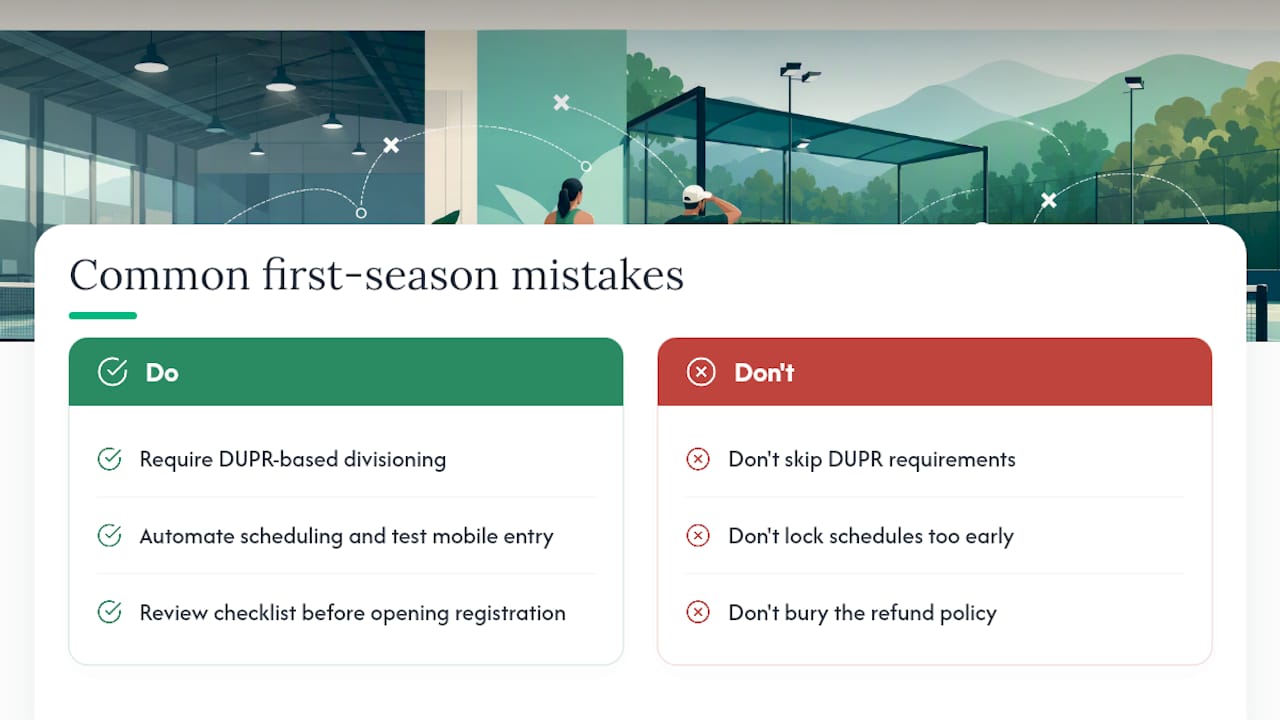
Automated scheduling saves the hours you’d otherwise spend on spreadsheets, but test mobile score entry and Stripe reconciliation before week one, not during it.
Three mistakes I see constantly: skipping DUPR requirements to boost early sign-up numbers, locking schedules too early for outdoor seasons that inevitably hit weather delays, and burying the refund policy where nobody reads it until they’re angry. Fix each with a five-minute checklist review before you open registration.
— Robert
Get Your Season Running on Flex League Plus
Flex League Plus is built to check every item on this list without you stitching together three separate tools. It handles DUPR integration for auto-seeding, Stripe-powered checkout for registration and refunds, automated scheduling across round robin, ladder, and playoff formats, and mobile score reporting so results post live instead of after the fact.
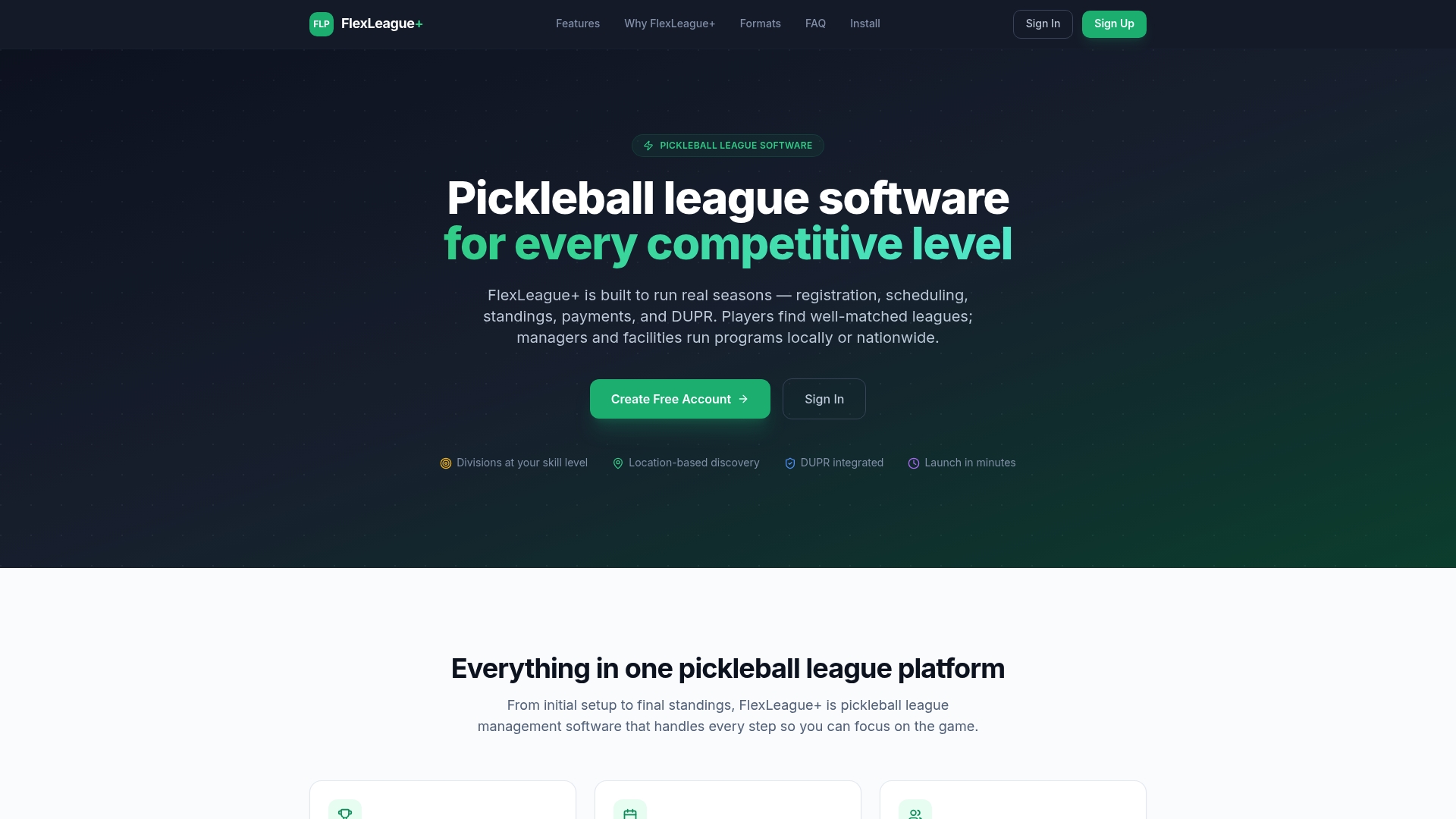
A typical launch looks like this: you open the season inside the platform, players register and get seeded by DUPR rating automatically, registration closes on your set deadline, and the schedule generates itself the same day, including divisions for men’s doubles, women’s doubles, mixed, and FLP team formats. Explore the full pickleball league software feature set, or head to the Flex League Plus homepage to start setting up your next season today.
Sources
For deeper operational detail, see the Pickleball.com organizer’s guide and Baseline’s facility scheduling guide.
- Pickleball
- Sports Scheduling Software: Facility Management Guide | Baseline
- How Can AI Help Sports Leagues Build Better Season Schedules? — LaSource
- AI-Powered League and Tournament Scheduling | EZFacility