Email Marketing for Pickleball Leagues: A Practical Playbook
Email Marketing for Pickleball Leagues: A Practical Playbook

Email is the most dependable way to fill a pickleball league and keep players coming back. You own the list, you control the timing, and every message can point to one action: register, confirm a match, report a score or sign up for next season. Social media helps people discover your league. Email gets them to commit. This guide covers how to build the list, who to send what, when to send it, how to write messages people open, and the U.S. rules you need to follow.
TL;DR
- Build your list with permission: ask players at registration whether they want updates about future leagues and events.
- Segment by skill level, registration status and interest, so a 4.0 doubles player is not getting a beginner clinic pitch.
- Send a registration sequence: an announcement, a mid-window reminder and a last-chance note, then a short weekly update during the season.
- Use social media to spread the word and email to close the registration. Pick two platforms and post consistently.
- Follow CAN-SPAM: a real physical address, an honest sender and subject line, and an unsubscribe that works within 10 business days.
Table of Contents
- Why email still does the heavy lifting for leagues
- Build a permission-based list from day one
- Segment so every message is relevant
- The emails a league should send, and when
- Subject lines, calls to action and mobile
- Where social media fits
- Automate the routine and measure what matters
- Follow the U.S. rules: CAN-SPAM
- Our perspective: make the league itself the best marketing
- Run the league and the registration in one place
- FAQ
- Sources
Why email still does the heavy lifting for leagues
A league is a repeat-purchase business. A player who enjoys a season is your best prospect for the next one, and a single message to that player costs next to nothing. Social posts, by contrast, reach only a slice of your followers and disappear fast.
One example from the field: a U.S. pickleball club profiled in Pickleball Club Magazine said it advertises programs on social media and email at least twice, with a final reminder the day before, and that the night-before email produced the most enrollment. That is one club’s experience, not a law of nature, but it points to something every organizer notices: people procrastinate, and the last nudge converts.
Marketing platform DailyStory also describes email as a cost-effective way to grow a league, with campaigns for new league announcements, event updates and re-engagement of inactive players. Those three jobs are a good frame for everything below:
- Announce a new league or session.
- Run the season with clear updates.
- Re-engage people who played before or showed interest and went quiet.
Build a permission-based list from day one
The best list is made of people who asked to be on it. For a league, the natural collection points already exist.
Registration. This is your strongest source. Add a clear, unchecked opt-in so players can say they want news about future leagues, clinics and events. Do not bury it in the terms. A player who ticks it has told you exactly what they want.
Your league page and social profiles. Put a short sign-up link in your bio and on your league page. Offer something concrete in return: first notice when registration opens, or early access to popular divisions and time slots. If you run early bird pricing, the early-notice list becomes the audience that makes it work.
On the court. Keep a sign-up QR code at the check-in table, on the scoreboard or on the nets at the facility. A player who just finished a good match is the most receptive person you will ever reach.
Partners and facilities. If you run leagues at a park or club, ask the facility whether it can share your sign-up link in its own channels. Do not import or buy lists. People who never heard of you mark your messages as spam, which hurts delivery for everyone else on your list.

Keep the data you collect small and useful: name, email, skill level or rating, and what they are interested in. The more you ask up front, the fewer people finish the form.
Segment so every message is relevant
One blast to everyone is the fastest way to teach people to ignore you. DailyStory suggests segmenting by skill level, registration status and activity interest, such as clinics versus competitive tournaments. For a league organizer, a workable starting set looks like this:
| Segment | Who they are | What they need from you |
|---|---|---|
| Current players | Registered for the running season | Schedules, match reminders, standings, weather notices |
| Past players | Played before, not registered now | Early notice of the next season, a reason to return |
| Interested, never played | Signed up for updates only | What a league night is like, how divisions work, how to join |
| Division-specific | Players in one skill band or format | Messages that match their level, such as singles versus mixed doubles |
| Waitlisted | Wanted a full division | First chance when a spot opens or a new division starts |
Skill-based segmentation matters more in pickleball than in many sports because the experience is so tied to level. If you want to see how to structure the bands themselves, our guide to pickleball league divisions walks through splitting 2.5 from 4.0 and above. Once your divisions are clean, your email segments largely write themselves.
Start with three or four segments. You can always add more once you have the volume to justify them.
The emails a league should send, and when
You do not need a content calendar of thirty emails. You need a handful that work every season.
Before the season: the registration sequence
DailyStory’s suggested promotion sequence is an announcement two to three weeks ahead, a reminder one to two weeks before the registration deadline, and a last-chance email 48 to 72 hours before registration closes. Treat those as sensible defaults and adjust to your own response. If your divisions fill in days, compress the window. If you run a long off-season, add an early notice.
The content of each message differs:
- Announcement: what the league is, which divisions and formats, where and when matches are played, the registration fee and the deadline.
- Reminder: which divisions still have room, a short line from a past player if you have permission to share one, and the deadline again.
- Last chance: short, with the deadline front and center and one button.
One more email is worth adding: a final reminder the evening before registration closes, in line with the club experience above. Test it against your own numbers.
During the season: keep it useful
The in-season emails are less about selling and more about reducing confusion, which keeps players showing up. Good ones include:
- A welcome and first-week email with how scheduling works, how to contact an opponent and how to report scores.
- A weekly update with standings, upcoming matches and any schedule changes.
- A weather or court-change notice, sent as soon as you know.
- A playoff announcement that explains who qualifies and when brackets are posted.
For urgent news like a rainout, DailyStory notes that SMS is useful for fast updates such as weather cancellations or court changes. Email and text work as a pair: text for “today’s play is off,” email for everything players need to keep.
If your league is self-scheduled, where players arrange their own matches, a calendar link in the email saves plenty of back-and-forth. Our post on Google Calendar integration for leagues covers how that works.
After the season: renew and re-engage
The week after the finals is when players feel most attached. Send a thank-you with final standings and champions, a short survey (two or three questions at most) and a heads-up about when next season opens. Then, a few weeks later, go back to the registration sequence.

For players who dropped out mid-season, a personal, low-pressure message works better than a promotion. Ask what got in the way. Often the answer is court access or scheduling, and we have written about how to fix court access to retain league players.
Subject lines, calls to action and mobile
Most of your players will read on a phone, between other things. Write for that.
Subject lines. Be specific. “Fall mixed doubles opens Monday: 3.5 and 4.0 divisions” beats “Exciting news from your league.” Put the useful detail first, because phones cut off long lines. Avoid all caps, strings of exclamation points and anything that overpromises, since it hurts trust and can trip spam filters. CAN-SPAM also forbids misleading subject lines, which we cover below.
Opening lines. Lead with what, when, where and how to register in the first two sentences. A reader who stops there should still know what to do.
One call to action. Use a single, prominent button with plain wording: “Register for Division B” rather than “Learn more.” If you must include secondary links, such as a rules page, keep them as small text links beneath.
Mobile layout. Use a single column, short paragraphs, a large tappable button and little or no reliance on images. Many email apps block images by default, so the message should still make sense without them.
Registration should be a short path. If the button leads to a clunky form, the email did its job and the page undid it. Our step-by-step guide to pickleball league registration covers what a clean sign-up flow includes.
Where social media fits
Social media and email do different jobs. Social is for discovery and community: photos from league night, a highlight of a long rally, a shout-out to a division winner. Email is for conversion and logistics. The best setup uses social to bring people onto the list and email to make the ask.
A few practical rules:
- Pick two platforms, not six. Marketing agency TopSpin Digital advises facility operators to choose two social platforms that suit their audience and post consistently. A steady presence on two beats a patchy presence on five.
- Every post has a destination. Registration open? Link to the sign-up page or your list form, not just your profile.
- Repeat important announcements. Because a single post reaches only a fraction of followers, say it more than once, which matches the “at least twice” habit of the club mentioned earlier.
- Reuse your email content. The standings graphic from your weekly email can be a social post. A player’s quote from a post-season survey, with their permission, can be both.
- Local groups count. Community groups for your city’s players are often where new players first ask about leagues. Be helpful there and link to your list, rather than only posting promotions.
Then close the loop: when someone follows you on social and shows interest, invite them to join your email list for first notice of the next season.
Automate the routine and measure what matters
Much of league email is repetitive, and that is exactly what automation is for. According to DailyStory, a league can automate lead nurturing, registration reminders, first-day-of-season messages, weekly updates, renewals and weather cancellations. Set these up once per season, and spend your time on the human parts: answering questions and welcoming new players.
A simple automation map:
- New subscriber receives a short welcome with what your league offers and when the next registration opens.
- Registered player receives a confirmation, then a first-week guide.
- In-season weekly update goes out on the same day each week, so players learn to expect it.
- Season end triggers a thank-you and a renewal note.
- Inactive for a season triggers one friendly re-engagement message.
What to track
The same source points to three numbers: open rates, click-through rates and registration conversions. Registration conversions are the one that counts. A high open rate with no sign-ups means the message or the sign-up page needs work.
Test one thing at a time
Email provider Mailchimp notes that A/B testing can compare subject lines, content, send times and calls to action. With a league-sized list, keep tests simple. Try two subject lines on the same announcement, or send the last-chance email at two different times of day across two seasons. Change one variable at a time, or you will not know what made the difference.
Follow the U.S. rules: CAN-SPAM
If your emails promote a league and charge a fee, they are commercial email, and the federal CAN-SPAM Act applies. The Federal Trade Commission’s compliance guide for business sets out the basics, which you can turn into a checklist:
- Honest header information. The “From,” “To” and routing details must accurately identify who sent the message.
- A real physical mailing address. Include a valid postal address for your organization in every commercial email.
- A clear ad disclosure. If the message is an advertisement, it must be identifiable as one.
- A working opt-out. Every message needs a conspicuous way to unsubscribe.
- Prompt honoring of opt-outs. You have 10 business days to process a request, you cannot charge a fee, and you cannot require more than an email address, a reply email or a visit to a single web page.
The FTC also treats messages whose main purpose is to carry out a transaction the recipient already agreed to, such as confirming a registration, differently from promotional messages. Even so, the safest habit is to include your name, address and an unsubscribe option in everything, and to keep promotional content out of operational emails. If you are unsure how your messages are classified, check the FTC guide or ask an attorney familiar with your state’s rules.
If your leagues are run by a city parks department, check whether your city has its own policies on resident communications before you launch.
Our perspective: make the league itself the best marketing
We build league software, so we see the same pattern in leagues of every size. Email gets a player to the sign-up page once. What brings them back the next season is the experience in between: clear divisions, fair matchups, easy scheduling, live standings and a playoff that feels earned.
That is why we designed FlexLeague+ around the real work of a competitive season rather than casual open play. Registration, automated scheduling, division management, live standings, playoff brackets and score reporting sit in one place, so organizers are not rebuilding spreadsheets every week. Our DUPR integration is designed to keep matchups fair and verified, and Stripe handles registration payments so organizers control their revenue. There is no monthly subscription.
For email, this has a practical upside. When the scheduling and standings are already handled, your emails can be short and human: a welcome, a nudge, a thank-you. You are not spending your list’s attention on explaining logistics that a good system should handle. Start with a small list, a clean three-email registration sequence and a weekly update players actually want, then build from there.
— Robert
Run the league and the registration in one place
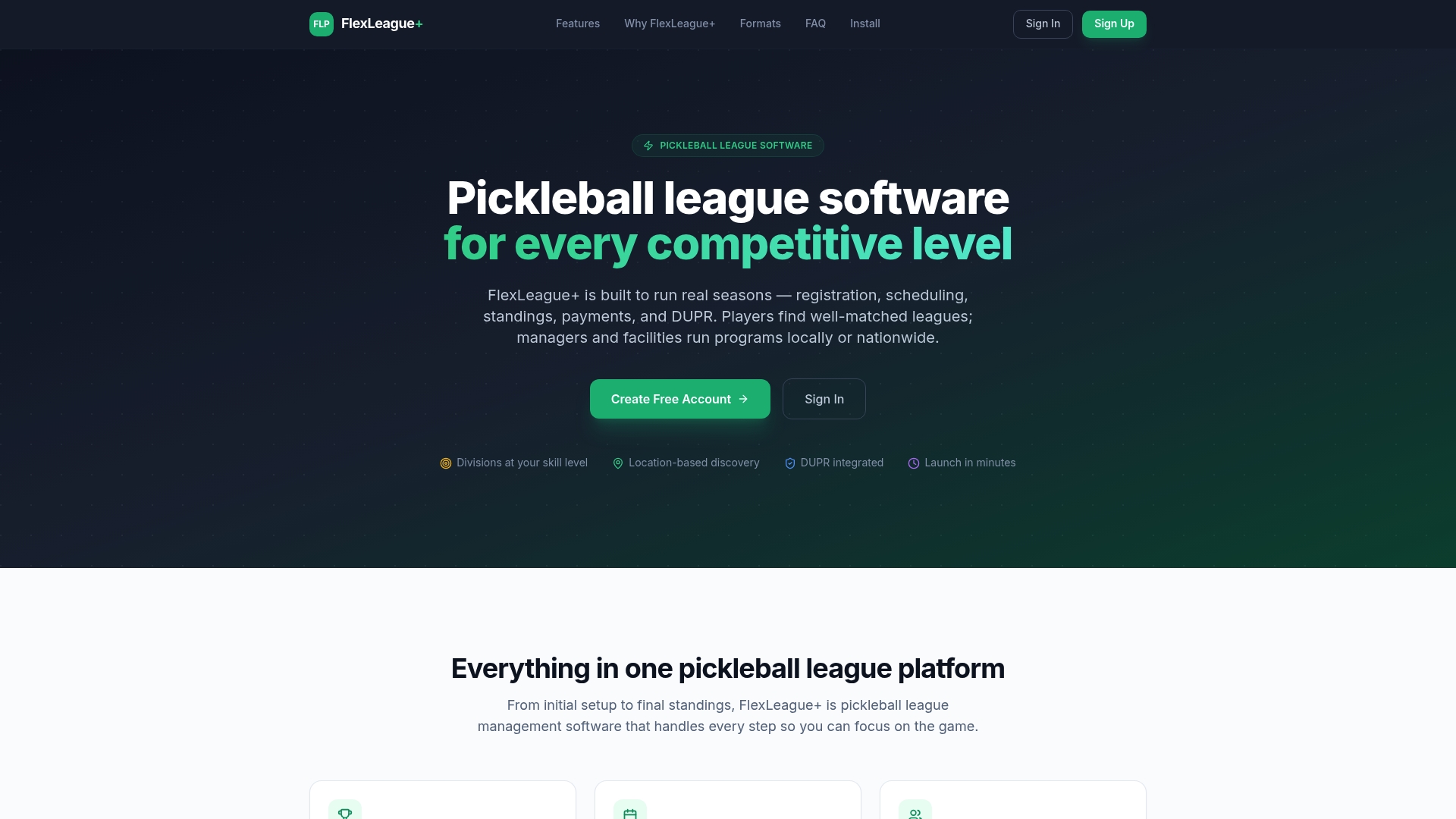
Good emails send people to a page where signing up and paying is simple. FlexLeague+ lets organizers create singles, men’s doubles, women’s doubles, mixed doubles and team leagues, collect registration fees through Stripe and manage divisions and standings from one dashboard. The platform fee is $25 one-off per division, with no monthly subscription. See how it works on our pickleball league software page.
If you are still planning your first season, our guide on how to start a pickleball league and The Pickleball League Handbook for Managers cover the groundwork before you send your first email.
FAQ
How often should a pickleball league email its players?
During registration, send three to four messages over a few weeks, ending with a last-chance note. During the season, one weekly update is enough, plus urgent notices for weather or court changes. Between seasons, a monthly note or less is plenty, so people stay familiar with you without feeling pestered.
Do I need an email list if I already have a social media group?
Yes. Social platforms decide who sees your posts, and a group can go quiet or change rules at any time. A list you own reaches players directly. Use social to attract interest, then invite people to join the list for first notice of registration.
Can I email players who registered for a past league?
Generally, yes, as long as your messages follow CAN-SPAM: honest sender details, a physical address, a clear way to opt out and prompt handling of opt-outs. It is better practice to ask at registration whether players want updates about future events, and to segment past players so they get relevant messages.
What should I put in the subject line of a registration email?
Name the league format, level and the action, such as “Mixed doubles registration opens Monday.” Keep it short enough to read on a phone, and never use wording that misleads about the content. Test two versions across a season to see which gets more registrations, not just more opens.
Is text messaging better than email for leagues?
They do different jobs. Text suits urgent, same-day news like a weather cancellation, while email suits registration, schedules and standings that people want to keep. Many leagues use both, with email as the main channel.
Sources
- Pickleland Learns How to Keep Courts Full and Members Happy, Pickleball Club Magazine
- Pickleball marketing strategies to grow your league fast, DailyStory
- The Pickleball Facility Marketing Stack, TopSpin Digital
- Turn Marketing Insights Into Winning Campaigns, Mailchimp
- CAN-SPAM Act: A Compliance Guide for Business, Federal Trade Commission